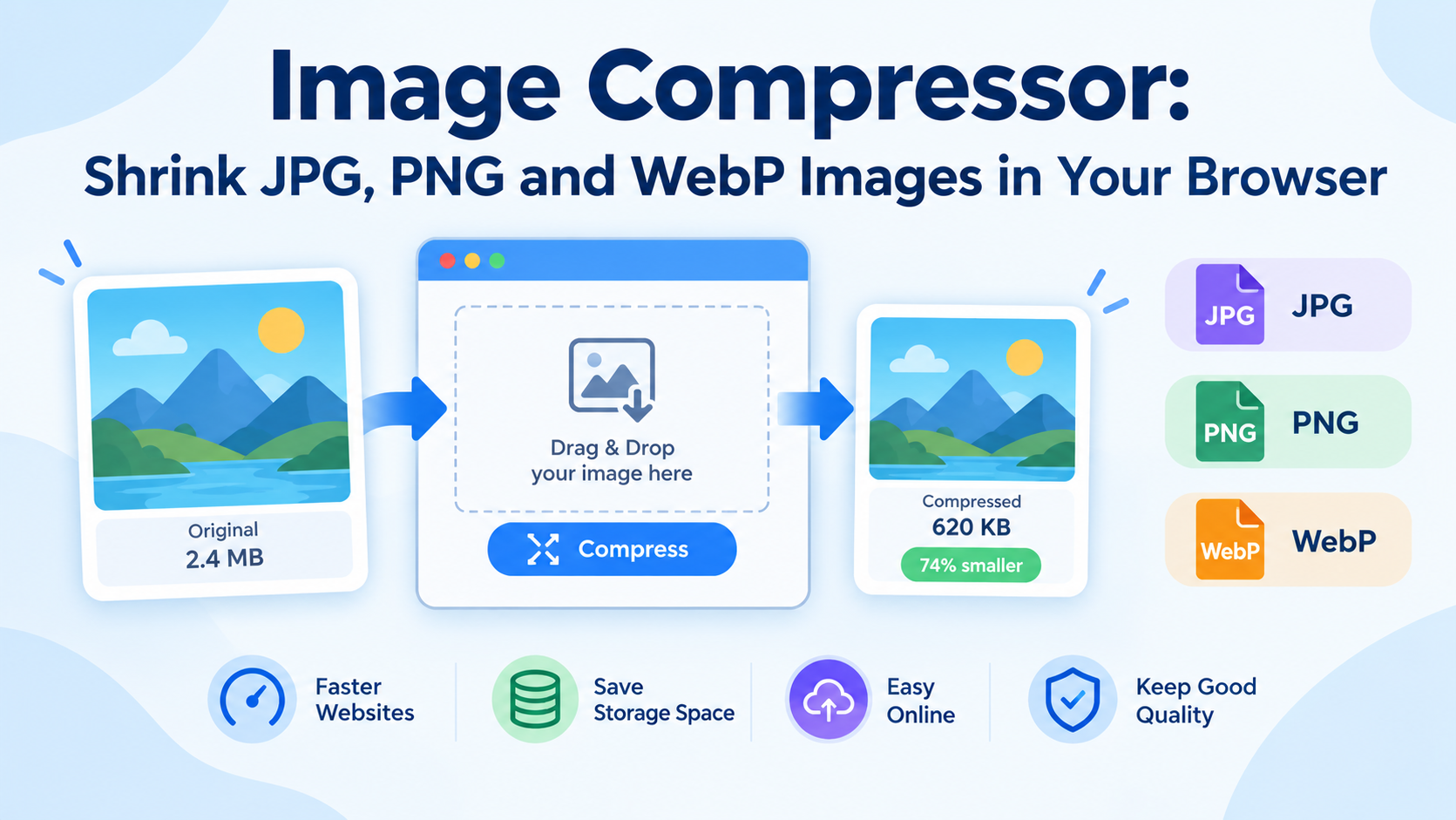
Images make websites more attractive, improve engagement, and help communicate information quickly. However, large image files can slow down websites, take up valuable storage space, and make sharing files more difficult. An Image Compressor helps solve these problems by reducing image file sizes while preserving as much visual quality as possible.
With our online Image Compressor, you can shrink JPG, PNG, and WebP images directly in your browser. There is no need to install additional software or use complicated image-editing tools.
What Is an Image Compressor?
An image compressor is a tool that reduces the file size of an image. It optimizes image data to make files smaller while maintaining an acceptable level of visual quality.
Image compression is useful for website owners, bloggers, students, designers, developers, and anyone who regularly works with digital images.
Depending on the image format and compression settings, an image compressor can significantly reduce file sizes without making the image noticeably blurry or distorted.
Key Features of Our Image Compressor
1. Compress JPG Images
JPG, also known as JPEG, is one of the most widely used image formats for photographs and web graphics. Compressing JPG images can reduce their file sizes, making them easier to upload, share, and display on websites.
2. Reduce PNG File Sizes
PNG images are commonly used for screenshots, illustrations, logos, and graphics that require transparency. Compressing PNG files can help reduce their size while preserving sharp edges and transparent backgrounds when supported by the compression method.
3. Optimize WebP Images
WebP is a modern image format designed to provide efficient compression for web use. Compressing or converting compatible images to WebP can help reduce page weight and improve website performance.
Actual savings depend on the image content, format, and compression settings.
4. Compress Images Online
You can use an online image compressor without installing desktop software. Simply open the tool in your browser, select an image, and adjust the available compression options.
5. Maintain Image Quality
The goal of image compression is to find a practical balance between file size and visual quality. Depending on the format and settings, you can reduce file sizes while keeping images clear enough for websites, documents, and everyday use.
How to Compress Images in Your Browser
Reducing image file sizes is straightforward. Follow these steps:
- Open the Image Compressor: Visit the online tool in your browser.
- Select an image: Upload or choose a JPG, PNG, or WebP image supported by the tool.
- Adjust compression settings: Choose the available quality or compression level to suit your needs.
- Compress the image: Start the compression process and allow the tool to optimize the file.
- Download the result: Save the compressed image to your device and use it wherever you need it.
For the best results, compare the compressed image with the original before using it on a website or in a design project.
Why Should You Compress Images?
Improve Website Loading Speed
Large images are a common reason web pages take longer to load. Reducing image sizes can decrease the amount of data a browser needs to download, helping pages load faster, particularly on slower connections.
Save Storage Space
Compressed images take up less disk space when compression reduces their file sizes. This can help you manage image collections, website assets, and document attachments more efficiently.
Make File Sharing Easier
Smaller image files are often easier to upload, email, and share through messaging platforms. Compression can also help you meet file-size limits imposed by websites and online forms.
Optimize Images for Mobile Devices
Mobile users may have limited bandwidth or slower connections. Serving appropriately sized, compressed images can reduce unnecessary data usage and improve the browsing experience.
Support Better Website Performance
Image optimization is an important part of website performance. Smaller image files can contribute to faster loading and better user experience, especially when combined with responsive images, caching, and other optimization techniques.
Lossy vs. Lossless Image Compression
Image compression generally falls into two categories.
Lossy compression reduces file size by removing or simplifying some image information. It can produce substantial savings, but excessive compression may introduce visible artifacts or reduce detail. It is commonly used for photographs and JPG images.
Lossless compression reduces file size without discarding the original image information. It is useful when preserving exact image data matters, although the size reduction may be more limited.
The best compression method depends on your image format, intended use, and quality requirements.
Tips for Getting the Best Compression Results
- Choose the right format: JPG often works well for photographs, PNG for graphics requiring transparency, and WebP for efficient web delivery.
- Resize oversized images: If an image is much larger than its intended display dimensions, resizing it before compression may produce additional savings.
- Avoid excessive compression: Very aggressive settings can cause blurry details, color banding, or visible artifacts.
- Keep an original copy: Save the original file if you may need to edit or reprocess it later.
- Compare file sizes: Check the original and compressed sizes to understand how much space you saved.
- Use appropriate dimensions: Avoid uploading unnecessarily large images when a smaller version will meet your requirements.
Is It Safe to Compress Images in a Browser?
Browser-based tools can make image optimization convenient. However, privacy depends on how each tool processes files.
If an image compressor processes files entirely on your device, your images do not need to be uploaded to a remote server for compression. If the tool sends files to a server, its privacy policy and data-handling practices determine how those files are processed.
Check the tool's privacy information before compressing sensitive images, personal documents, or confidential business graphics.
Who Can Benefit from an Image Compressor?
An online image compressor is useful for many types of users:
- Website owners: Reduce image payloads to help improve loading performance.
- Bloggers and content creators: Optimize featured images, thumbnails, and illustrations.
- Students and teachers: Reduce image sizes for assignments, presentations, and online submissions.
- Designers: Prepare graphics for websites and digital projects.
- Developers: Optimize image assets used in web applications.
- Everyday users: Make images easier to store, upload, and share.
Frequently Asked Questions
Does compressing an image reduce its quality?
It can. Lossy compression may reduce image quality, especially at high compression levels. Lossless compression preserves the original image information. The result depends on the format and settings used.
Can I compress JPG, PNG, and WebP images?
Yes, an image compressor that supports these formats can reduce the size of JPG, PNG, and WebP files. Available options and results may vary by format.
Will image compression change the image dimensions?
Not necessarily. Compression usually targets file size, while resizing changes the image's width and height. Some tools offer both features, so check the available settings.
How much can I reduce an image's size?
There is no fixed percentage. Savings depend on the original image, its format, existing compression, image content, and selected settings.
Do I need to install software?
No installation is necessary when using a browser-based image compressor. You can access the tool through a compatible web browser.
Is an online image compressor free?
Pricing depends on the specific tool. If the Image Compressor is offered free of charge, you can use it to optimize supported images without purchasing desktop software.
Conclusion
An Image Compressor is a practical tool for reducing the size of JPG, PNG, and WebP images. Smaller image files can help improve website performance, save storage space, and make uploads and sharing more convenient.
Whether you are optimizing website graphics, preparing images for an online form, or organizing your personal photo collection, compressing images in your browser provides a simple way to manage file sizes.
Try the Image Compressor today to shrink your images and prepare them for the web, documents, and everyday sharing.