Image Compressor: Shrink JPG, PNG and WebP Images in Your Browser
Compress JPG, PNG, and WebP images online in your browser. Reduce image file sizes, save storage space, and optimize images for faster website
psofts team · · 6 min read
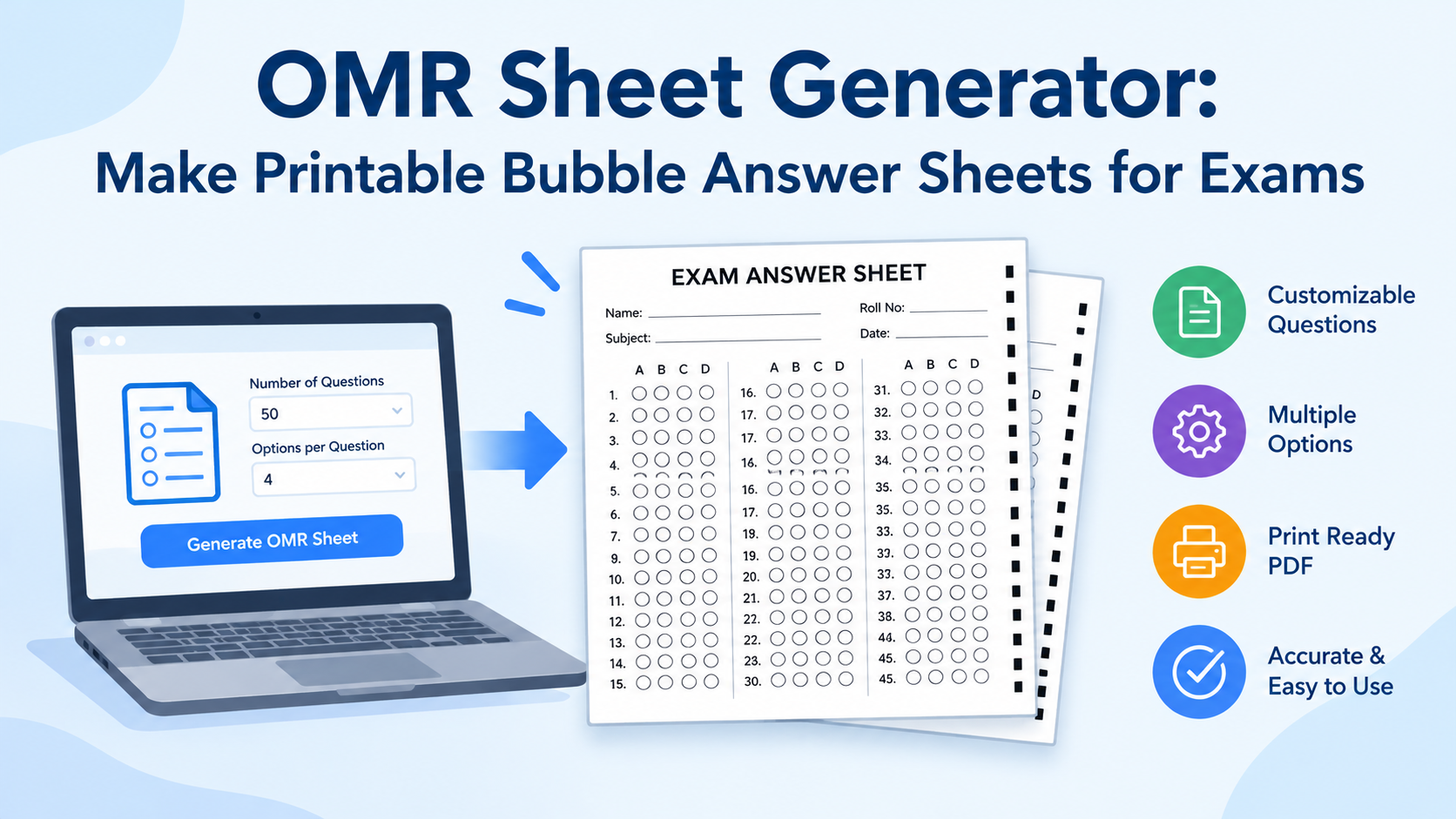
An OMR Sheet Generator is a useful online tool that helps teachers, schools, colleges, coaching institutes, and exam organizers create printable bubble answer sheets for multiple-choice exams. Instead of designing answer sheets manually, users can generate structured OMR sheets with numbered questions, answer bubbles, and customizable layouts.
Whether you are conducting a classroom test, a competitive examination, or a practice quiz, an OMR sheet generator makes it easier to prepare professional-looking answer sheets and organize the examination process.
OMR stands for Optical Mark Recognition, a technology used to detect marked responses on specially designed forms. An OMR sheet typically contains rows of bubbles corresponding to multiple-choice answers, such as A, B, C, and D.
An OMR Sheet Generator helps you create these answer sheets in a printable format. Depending on the tool, you may be able to customize the number of questions, answer options, student information fields, and page layout.
Generated sheets can be printed and distributed to students for exams, assessments, surveys, and other activities involving multiple-choice responses.
Create answer sheets based on your examination requirements. Choose the number of questions to accommodate short quizzes, classroom tests, or longer examinations.
Generate clearly arranged bubbles for answer options such as A, B, C, D, or other supported choices. Consistent spacing helps students mark their answers neatly.
Export or print your answer sheet in a convenient format, such as PDF, when supported by the tool. PDF files help preserve the page layout across compatible devices and printers.
Include fields for details such as student name, roll number, registration number, class, or examination ID to help identify completed answer sheets.
A well-designed OMR sheet separates questions into rows or columns, making it easier for students to locate the correct question and mark their answers.
Generating answer sheets digitally reduces the need to create bubble grids manually. This can save preparation time, particularly when organizing recurring tests or large examinations.
Creating an OMR answer sheet is simple with an online generator. Follow these steps:
The available customization options depend on the specific generator you use.
Teachers can prepare standardized answer sheets for regular classroom assessments, unit tests, and school examinations without manually drawing bubbles.
Coaching centers can create answer sheets for mock tests and practice examinations. Consistent layouts make it easier to maintain a familiar testing format across different subjects.
Educational institutions can use generated sheets for internal assessments, quizzes, and other multiple-choice examinations, subject to their examination requirements.
Students preparing for competitive exams can practice filling in bubbles under timed conditions. This helps them become familiar with answer-sheet formats and develop careful marking habits.
A standardized template helps maintain consistency across multiple exam sessions and can simplify the printing and distribution process.
A properly printed answer sheet is important for readability and, where applicable, accurate scanning.
Important: A printable bubble sheet is not automatically machine-readable by every OMR system. If you plan to scan and evaluate responses automatically, ensure the generated sheet is compatible with your scanning software and its required layout.
| Feature | OMR Sheet Generator | Manual Design |
|---|---|---|
| Preparation time | Usually faster | Can take longer |
| Question numbering | Often automated | Requires manual setup |
| Layout consistency | Easier to maintain | Depends on the designer |
| Customization | Depends on available settings | Highly flexible |
| Printable output | Often available | Depends on the software |
| Machine-scanning compatibility | Must be verified | Must be designed to match the scanning system |
For routine multiple-choice assessments, a generator can simplify preparation and help reduce layout errors.
1. What is an OMR Sheet Generator used for?
It is used to create bubble answer sheets for multiple-choice examinations, quizzes, mock tests, surveys, and educational assessments.
2. Can I generate an OMR sheet for free?
Some online generators provide free access. Available features, customization options, and download limits depend on the particular tool.
3. Can I create an OMR sheet with 100 questions?
Many generators support customizable question counts, although the maximum number depends on the tool and selected page layout.
4. Can I print an OMR sheet on A4 paper?
Yes, if the generator supports A4 output. Check the page settings and print preview before printing.
5. Can I scan and check answers automatically?
Possibly. Automatic evaluation requires compatible OMR recognition software or a scanning system. Generating a printable answer sheet alone does not guarantee automatic grading.
6. Can I add student names and roll numbers?
Many tools offer student information fields, but the available fields vary by generator.
7. Is an OMR sheet suitable for competitive exam practice?
Yes. Printable bubble sheets can help students practice marking multiple-choice responses and managing their time during mock examinations.
An OMR Sheet Generator is a practical solution for creating printable bubble answer sheets for exams. With features such as customizable question counts, multiple-choice bubbles, student information fields, and printable output, it can simplify exam preparation for teachers, schools, coaching centers, and educational institutions.
By choosing an appropriate layout, checking print quality, and verifying compatibility with any scanning software, you can create organized answer sheets that make multiple-choice assessments easier to manage.
If you regularly conduct quizzes, classroom tests, or mock examinations, an OMR Sheet Generator can be a valuable addition to your exam preparation toolkit.
Compress JPG, PNG, and WebP images online in your browser. Reduce image file sizes, save storage space, and optimize images for faster website
Unlock PDF is a simple and convenient way to remove a known password from a password-protected PDF file. If you have the correct password and want to access your document without entering it every time, this tool can help make the process easier. Whether you are working with personal documents, offi
Tell us what you're working on and we'll call you back. Or skip the wait and start with a free account right now.